

Download WellSaid – AI Voice Generator, Text‑to‑Speech Software
Overview
WellSaid is a cloud‑based AI tool that transforms written text into natural‑sounding spoken word. Using state‑of‑the‑art machine‑learning models, the service generates voice‑overs that are almost indistinguishable from a real human narrator. Whether you are a corporate trainer, a podcaster, an e‑learning developer, or a content creator looking to add professional‑grade audio to videos, WellSaid offers a fast, secure, and intuitive way to produce high‑quality voice tracks.
The platform works on a tiered subscription model, with a free trial that lets new users test the voice library and basic editing capabilities before committing to a paid plan. Because the interface mimics familiar web‑app patterns, even users with no AI or programming background can start creating voice‑overs within minutes. In the following sections we’ll explore the core features, walk through the installation and usage steps, and weigh the strengths and weaknesses that matter most to professionals seeking a reliable text‑to‑speech solution.
Key Features that Set WellSaid Apart
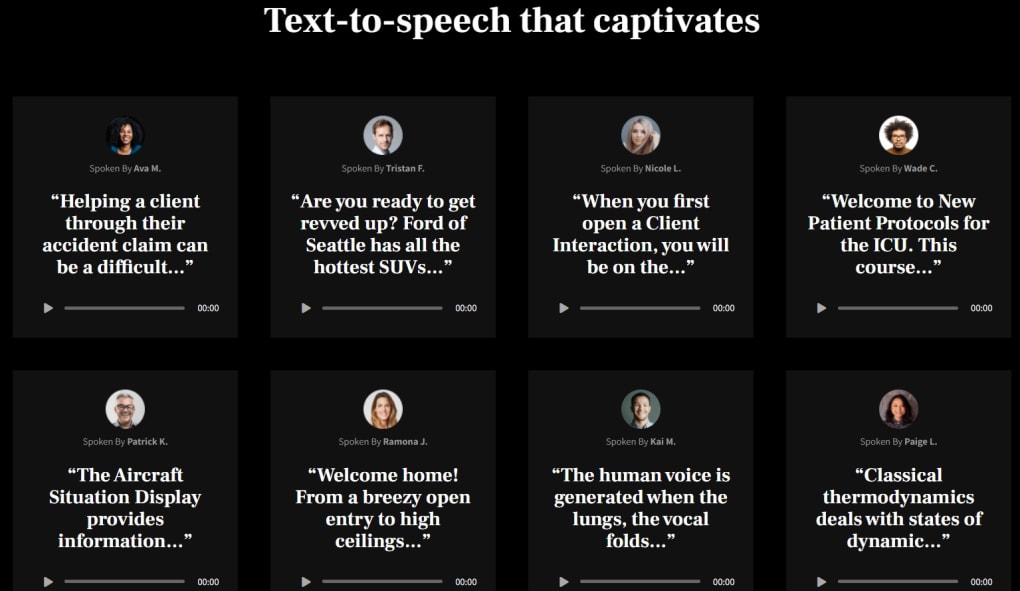
- Human‑like Voice Library: Over 50 premium voice avatars, each fine‑tuned for clarity, emotion, and regional accents.
- Real‑time Text Editing: Edit your script while listening to an instant preview, eliminating the need for re‑rendering.
- Batch Processing: Upload multiple scripts and generate audio files in parallel, ideal for large training courses.
- Custom Voice Creation (Enterprise Tier): Upload sample recordings to train a brand‑specific voice model.
- Multi‑format Export: Download MP3, WAV, or OGG files, with bitrate options up to 320 kbps.
- API Access: Integrate WellSaid into your own apps, LMS platforms, or automation pipelines via RESTful endpoints.
- Secure Cloud Storage: All audio assets are stored with AES‑256 encryption and GDPR‑compliant data handling.
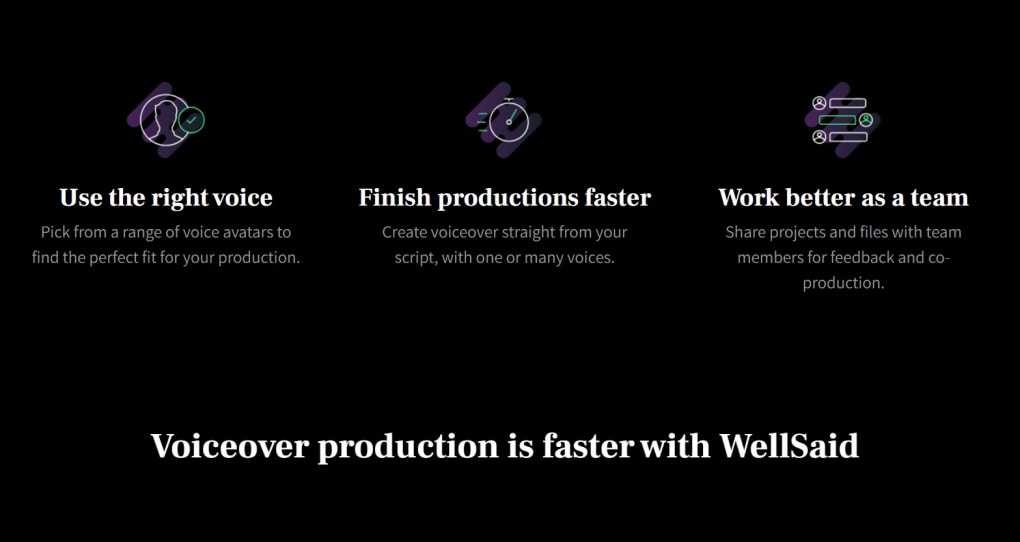
- Collaboration Tools: Share projects with teammates, assign roles, and leave comments directly on the script.
- Version History: Restore previous audio generations if you need to revert changes.
- Regular Updates: Monthly voice‑model improvements and new language support keep the service cutting‑edge.
How to Install, Set Up, and Use WellSaid
Because WellSaid is a web‑based SaaS product, there is no traditional “installation” process on desktop operating systems. The entire workflow occurs within a secure browser environment, making it compatible with Windows, macOS, Linux, as well as mobile platforms such as iOS and Android. To get started, follow these steps:
Step 1 – Create an Account
Visit the official WellSaid website and click “Sign Up.” You can register using an email address, Google, or Microsoft account. After confirming your email, you’ll receive a 30‑minute free trial credit that unlocks all premium voices.
Step 2 – Choose a Subscription Tier
Once logged in, navigate to the “Pricing” page. The plans range from “Starter” (5 hours of audio per month) to “Enterprise” (unlimited, custom‑voice options). The free trial automatically applies the highest tier for the trial period, so you can explore every feature without restrictions.
Step 3 – Create a New Project
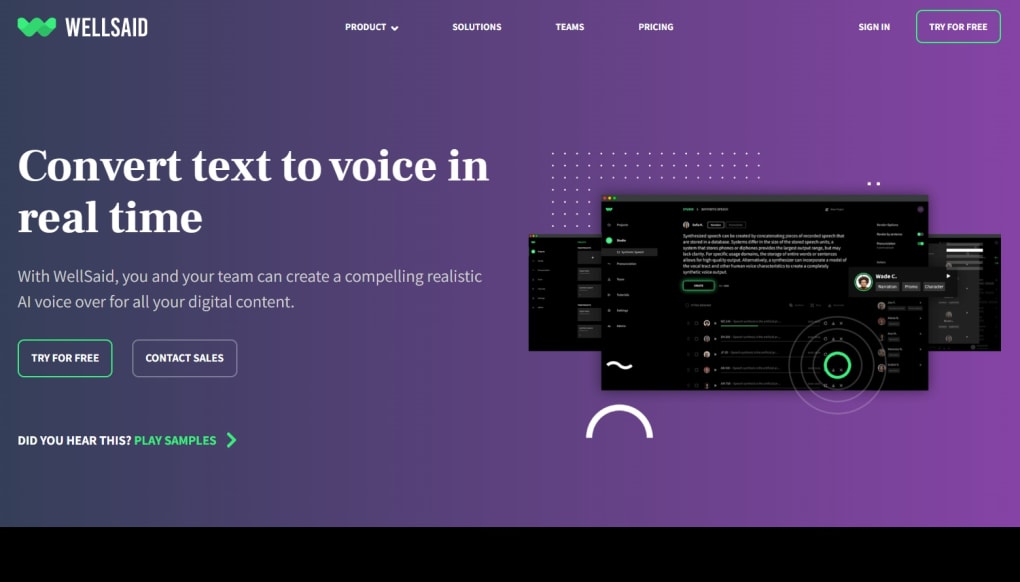
Click “New Project,” give it a name, and select a voice avatar from the dropdown. You can also set the language, speaking rate, and emotional tone (e.g., friendly, authoritative). Paste or type your script into the text editor; the platform supports Markdown formatting for easy paragraph breaks.
Step 4 – Generate Audio
Press “Generate.” Within seconds, a waveform preview appears. Use the built‑in playback controls to listen. If you need adjustments, edit the script or tweak the voice settings and click “Regenerate.” The system saves each version automatically.
Step 5 – Export and Share
When satisfied, click “Download” and choose your preferred file format. For team projects, use the “Share” button to invite collaborators via email. They can comment, suggest edits, or download the final file based on the permissions you assign.
Compatibility: WellSaid runs on any modern browser (Chrome, Edge, Firefox, Safari) and is fully responsive on mobile devices, making it a versatile tool for remote teams and on‑the‑go creators.
Pros, Cons, Frequently Asked Questions & Final Verdict
Pros
- Exceptional voice quality that rivals professional voice actors.
- Intuitive web interface with real‑time preview and editing.
- Flexible subscription tiers, including a generous free trial.
- API access for seamless integration into existing workflows.
- Robust security and compliance for corporate use.
Cons
- Higher‑tier plans can be pricey for small freelancers.
- No offline desktop application; an internet connection is required.
- Custom voice creation is limited to Enterprise customers.
- Limited support for languages outside of English, though the list is growing.
Frequently Asked Questions
Can I use WellSaid for commercial projects?
Yes. All paid plans include a commercial‑use license, allowing you to embed the generated audio in videos, podcasts, e‑learning modules, and marketing materials without additional royalties.
What file formats are supported for export?
WellSaid offers MP3, WAV, and OGG exports. You can also choose the bitrate (128 kbps, 192 kbps, or 320 kbps) to balance file size and audio fidelity.
Is there a limit to the length of a script?
Each plan defines a monthly hour limit. Within that limit, individual scripts can be up to 2 hours long. The free trial provides a 5‑hour total quota.
How secure is my data on WellSaid’s cloud?
All audio files and scripts are encrypted at rest with AES‑256 and transmitted over TLS 1.3. The platform complies with GDPR, CCPA, and ISO‑27001 standards, making it suitable for enterprise use.
Can I integrate WellSaid into my existing LMS?
Yes. The API provides endpoints for uploading scripts, selecting voices, and retrieving generated audio files, which can be called from any LMS that supports RESTful communication.
Conclusion & Call to Action
WellSaid stands out in the crowded AI voice‑over market by delivering studio‑grade realism, a user‑friendly web portal, and flexible pricing that accommodates both solo creators and large enterprises. While the subscription cost may be a consideration for budget‑conscious freelancers, the time saved on recording, editing, and post‑production often justifies the investment. If you need a reliable, secure, and scalable solution for turning scripts into polished audio, give WellSaid a try—start with the free trial, explore the premium voice roster, and see how quickly you can elevate your content with a professional‑sounding narrator.
Download WellSaid now and experience the future of text‑to‑speech technology.
Pros: Natural voice quality, intuitive UI, API access, strong security.
Cons: No offline mode, higher price for advanced tiers.



.png)



